Connect with less effort
Join your device’s Wi-Fi hotspot or add a Bluetooth audio recorder to connect it to your phone.
 RecLink
Connect your recording device. Preview, control, and download,
all from your phone.
Made for video and audio recorders
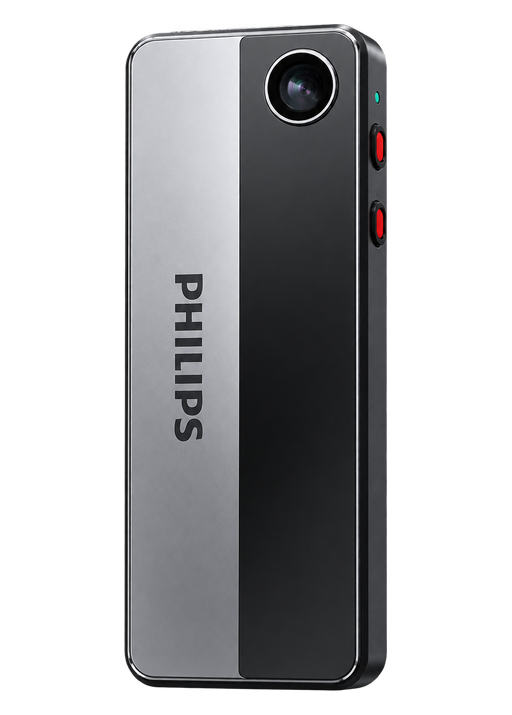 Your recording device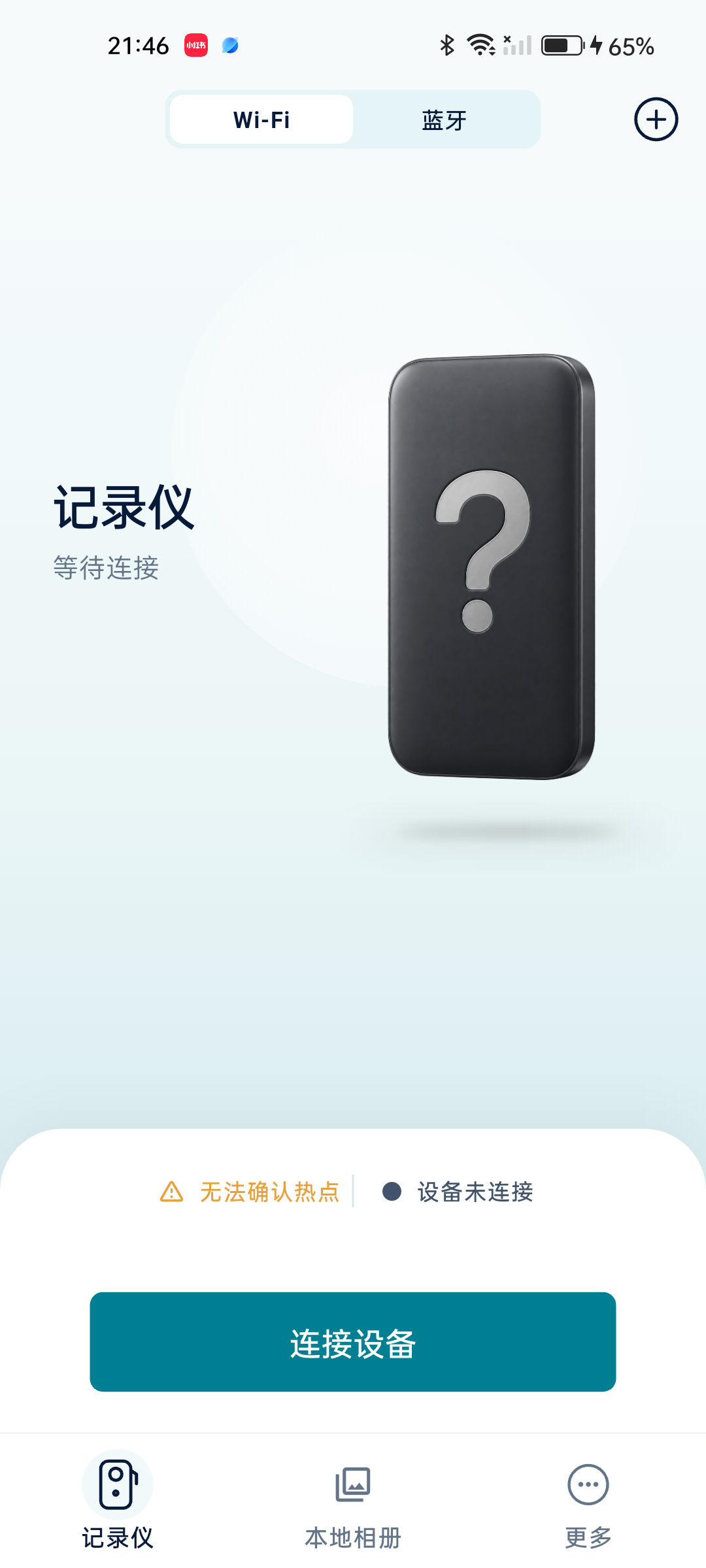
From the first preview to pressing record.
Familiar controls, right on your phone.
Join your device’s Wi-Fi hotspot or add a Bluetooth audio recorder to connect it to your phone.
Preview the view on your phone and adjust the camera angle before you start recording.
Control video, photos, and supported audio recording remotely, without switching between devices.
Connection methods and features vary by device model, firmware, and operating system.
Browse your device’s videos, photos, and audio by category.
Download files to your phone and revisit them away from your device.
Turn speech into text and make sense of what’s in view.
Open a file’s details to use intelligent assistance when you need it.
Convert supported recordings into text to review conversations with less replaying.
Speech → TextAnalyze photo content to understand what’s in the frame and find more context when reviewing it.
Images → InformationUse assisted video analysis to identify content that may need a closer look.
Recordings → InsightsRequires internet access and configured services. Selected media is sent for analysis. Results are for guidance only.
Supports selected VTR and DSJ recording devices.
Manage video recorders and Bluetooth audio devices in one place.
Video recorder
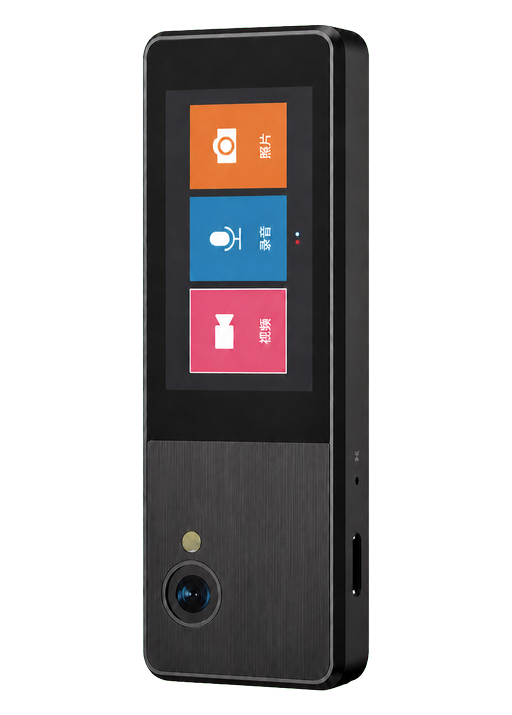
Video recorder
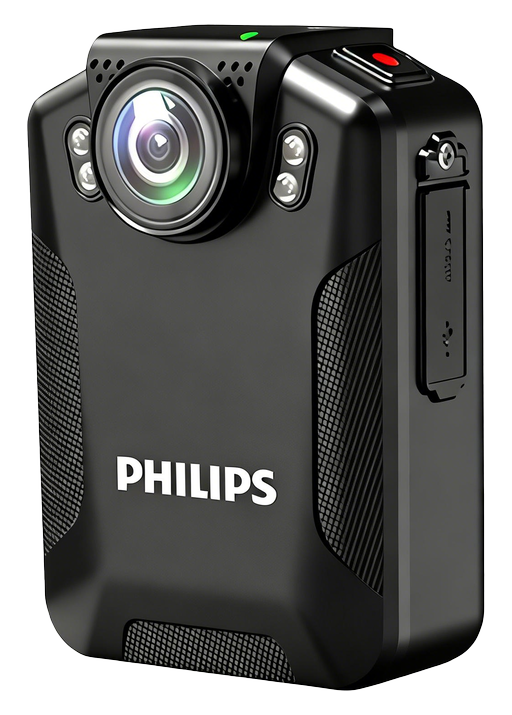
Video recorder
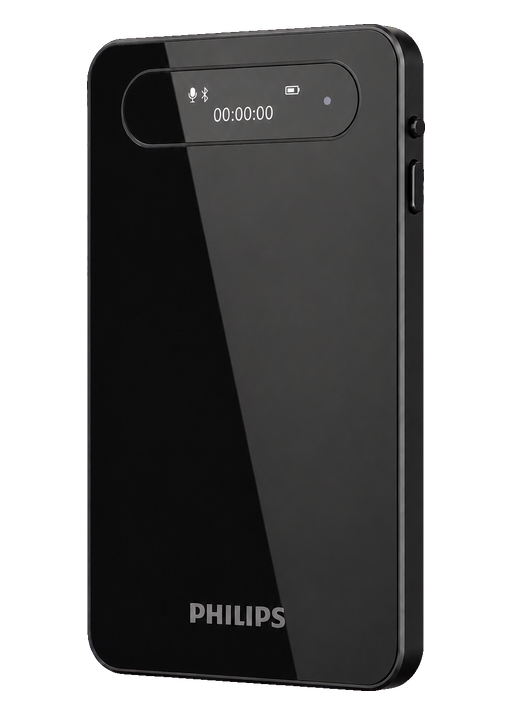
Bluetooth audio recorder
Models shown are recognized by the app. Compatibility with every firmware version and feature is not guaranteed.
Get connection helpYour devices. Your recordings. One app to keep them close.
Turn on your recording device’s Wi-Fi hotspot and connect to it in your phone’s settings. Return to RecLink and tap “Connect device”. For Bluetooth audio recorders, open the Bluetooth tab, add the device, and connect. Steps may vary by model.
The device hotspot connects your phone to the recorder and usually does not provide internet access. A “No internet connection” message is normal; choose to stay connected. Online features such as transcription require an internet connection.
RecLink supports resumable downloads from your device. Reconnect to continue an unfinished download. Keep the device powered on and check that your phone has enough storage.
RecLink supports several recording device protocols and recognizes selected VTR and DSJ models. Available features depend on the model, firmware, and phone operating system. Check compatibility before use.
Start from the media details page. Transcription currently works with supported PCM WAV audio. Image understanding and video safety analysis also have format and size limits. These features require internet access and configured online services; selected content is sent to the service provider.